
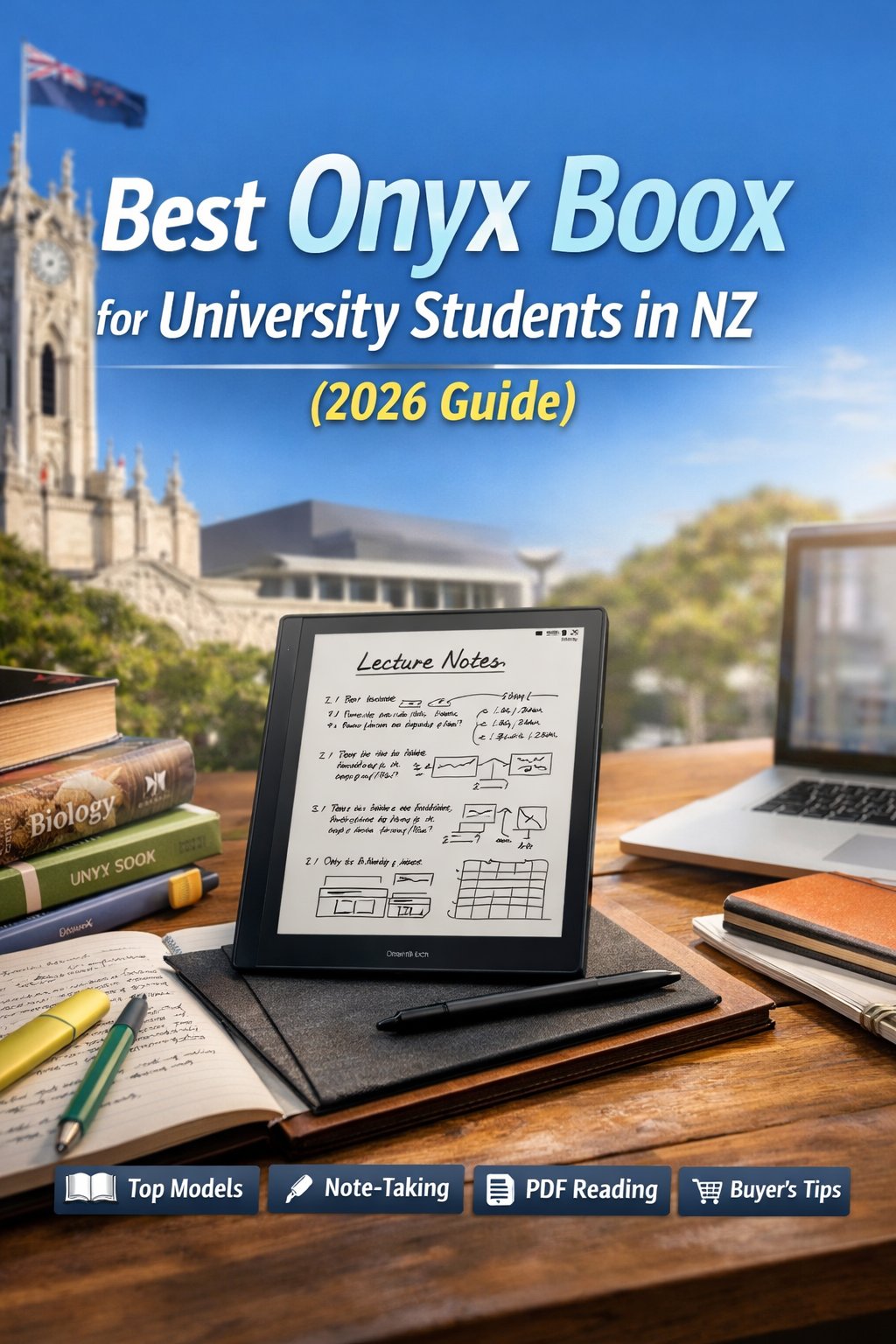
University study in New Zealand is more digital than ever. Lecture slides, journal articles, scanned textbooks, and research PDFs dominate academic life, and for students who spend hours reading and annotating every day, the right device makes a real difference. If you are considering an Onyx BOOX for university in 2026, here is which model suits which study needs, how pricing looks in the NZ market, and where to buy safely with local warranty support.
Why Onyx BOOX Is Popular with NZ University Students
Unlike a standard tablet, a BOOX uses E Ink technology designed to mimic paper. The result is reduced eye strain, no glare in bright light, much longer battery life, and far fewer distractions than a social-media-heavy tablet. For students in law, medicine, engineering, business, and the arts, that focused reading environment can meaningfully improve productivity. Many also prefer an E Ink tablet to printing hundreds of pages each semester – it is practical, more sustainable, and far easier for keeping notes organised.
Best Onyx BOOX for Note-Taking at University
1. Note Air series – the most balanced choice
For most NZ students, the BOOX Note Air4 C is the most versatile option. Its near-A4 10.3-inch display is comfortable for PDFs, the handwriting tools are excellent, split-screen lets you keep notes beside lecture slides, and Android with Google Play means your usual apps are available. If structured note-taking is your priority, this is widely considered the best BOOX for university. It suits law students reviewing long case files, health-science students annotating research, engineering students working with diagrams, and humanities students managing heavy reading.
2. Tab Ultra C Pro – for advanced users
Students who want more processing power may prefer the BOOX Tab Ultra C Pro: faster performance, an optional keyboard case, strong multitasking, and enough capability for heavier postgraduate workloads. It is a more complete productivity device rather than just a digital notebook.
3. BOOX Page – the budget-friendly reader
If your focus is reading textbooks and novels rather than intensive handwriting, the BOOX Page is an affordable, lightweight option – ideal for literature students, daily commuters, and anyone who values portability.
Why It Is Excellent for PDF Reading
NZ universities rely heavily on PDFs, and BOOX devices handle them far better than a basic eReader, with flexible zoom and reflow, direct highlighting and annotation, split-screen comparison, and cloud syncing through storage apps. That makes them genuinely practical for academic research.
What Is New in the 2026 BOOX Line-Up
The latest models bring better stylus responsiveness, improved colour E Ink displays, faster processors, better battery optimisation, and more stable Android integration – a more refined, responsive experience than earlier generations.
BOOX Pricing in NZ
Pricing depends on the model and what is included. Entry-level readers sit at the lower end, mid-range note-takers like the Note Air4 C are in the middle, and premium productivity models cost more. When comparing prices, buy from a local retailer rather than importing – overseas warranty and shipping costs can quickly erode any saving, and you keep NZ-based support. You can check current availability and pricing in the BOOX tablets collection.
The Benefits for University Students
Health and comfort: minimal eye fatigue, no harsh backlight, and comfort across long study sessions. Academic efficiency: organised digital notebooks, handwriting-to-text, and multi-format file support. Long-term value: battery life measured in days or weeks, a durable build, and enough capability to last a full three-to-five-year degree.
Pros and Cons
Pros: an excellent handwriting system, strong PDF annotation tools, Android flexibility, a distraction-free study environment, and long battery life. Cons: a slower refresh than an LCD tablet, premium models cost more, and there is a short setup learning curve.
Where to Buy in NZ
Buy from an authorised New Zealand retailer that offers student support and a clear warranty. Before you order, check NZ warranty coverage, delivery timeframe, and the return policy – and keep an eye out for deals during back-to-school periods. You can browse the full range at E-Readers NZ.
Is It Worth It for NZ Students?
For degrees that involve heavy PDF reading, research analysis, structured note-taking, and a need for minimal distractions, an E Ink tablet can significantly improve your workflow. It will not fully replace a laptop for coding or design software, but it excels at reading and academic organisation.
Frequently Asked Questions
What is the best Onyx BOOX for university students?
The Note Air4 C offers the best balance of portability, screen size, and note-taking features.
Is it good for PDF reading?
Yes. It supports annotation, highlighting, split-screen mode, and flexible zoom.
How long does the battery last?
Most models last several days to weeks, depending on use.
Can it replace printed textbooks?
For most digital materials, yes – it greatly reduces the need for printed notes.
Are there student discounts in NZ?
Some local retailers run seasonal promotions and bundle deals.
Is it better than an iPad for studying?
For long reading sessions and focused note-taking, many students prefer E Ink over a backlit screen.
Final Thoughts
The right BOOX for university in New Zealand depends on your study style, workload, and budget, but for most students in 2026 the Note Air4 C strikes the best balance of capability and value. Compare the models, check the latest features, and buy from a trusted NZ retailer for proper warranty cover – and managing lecture notes, research papers, and reading becomes far more efficient.